Installing Python
Follow these steps to install Python, create an isolated environment, and verify your installation.
1. Install Python
- Download the installer from python.org/downloads.
- Run the downloaded installer.
- Important: On the first screen, check the box labeled "Add python.exe to PATH".
- Click Install Now, then click Close when finished.
- Download the installer from python.org/downloads.
- Run the installer and complete the wizard.
- In Finder, open Applications > Python 3.x and double-click
Install Certificates.command.
Verify the installation in your terminal:
2. Create a Virtual Environment
Open your terminal, create a project folder, and navigate into it:
Create the virtual environment:
Activate the environment:
Once activated, your terminal prompt will show (.venv).
3. Install Soft Potato
With your environment activated, install softpotato, numpy and matplotlib:
4. Test the Installation
Run a quick check in your terminal:
To verify calculations and plotting, run a test script:
- Launch IDLE from your activated terminal:
- Click File > New File (Ctrl+N or Cmd+N).
-
Paste the following script:
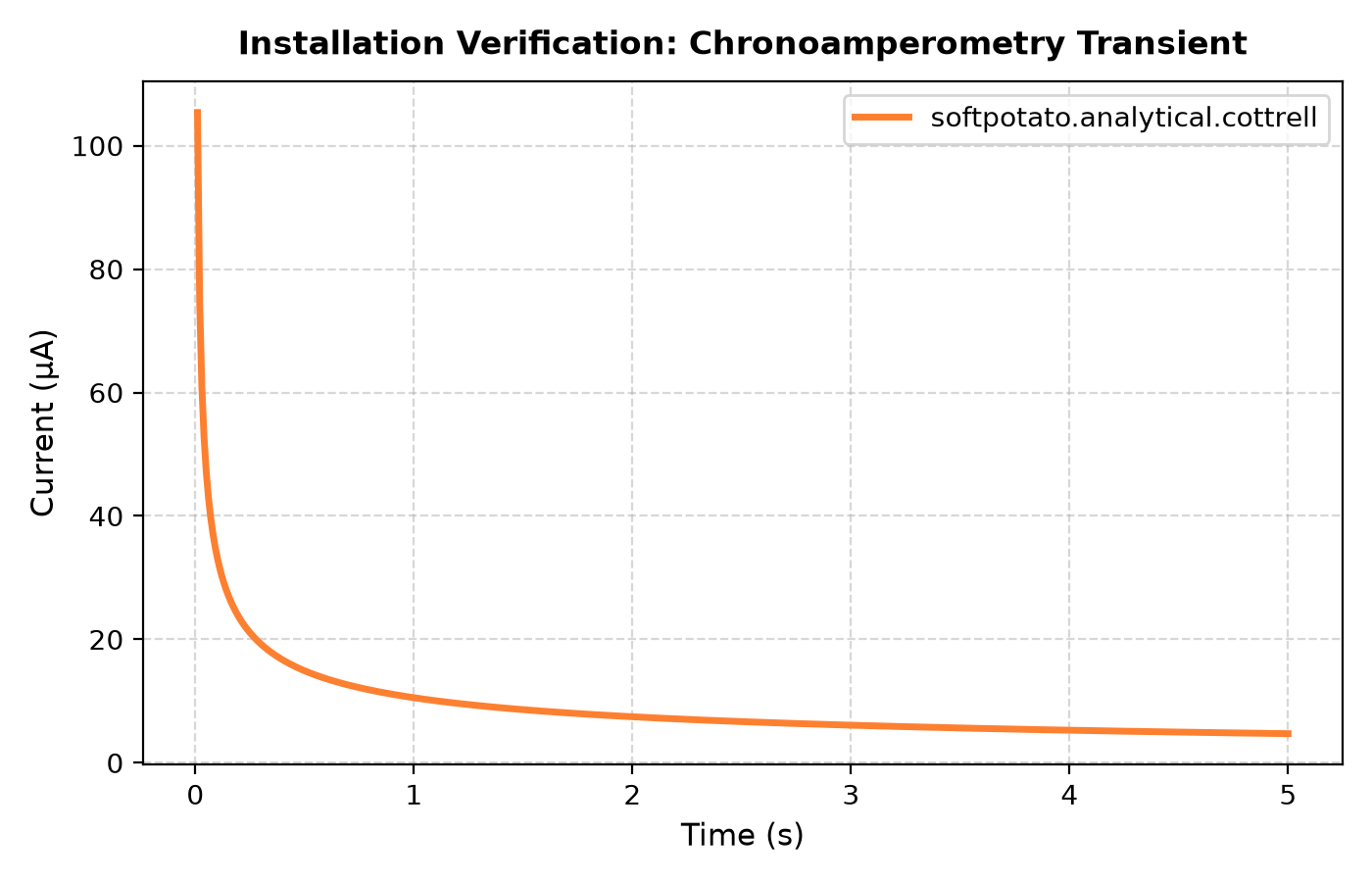
import numpy as np import matplotlib.pyplot as plt from softpotato.analytical import cottrell # Experimental parameters n = 1 c_bulk = 1.0 # mol/m^3 D = 7.5e-10 # m^2/s electrode_radius = 1.5e-3 # m area = np.pi * (electrode_radius**2) # Time grid t = np.linspace(0.01, 5.0, 500) # Calculate current i_amperes = cottrell(t=t, n=n, D=D, c_bulk=c_bulk, area=area) i_microamps = i_amperes * 1e6 # Plot plt.figure(figsize=(7, 4.5)) plt.plot( t, i_microamps, color="#FD8031", linewidth=2.5, label="softpotato.analytical.cottrell", ) plt.xlabel("Time (s)") plt.ylabel("Current (µA)") plt.title("Installation Verification: Chronoamperometry Transient") plt.grid(True, linestyle="--", alpha=0.5) plt.legend() plt.tight_layout() plt.show() -
Save the file as
test.pyand press F5 (or click Run > Run Module). (Alternatively, runpython test.pydirectly from your terminal).
A plot window will appear confirming the installation is ready:
5. Starting Python Again
To resume work in a new terminal session, navigate to your project folder and activate the environment:
-
Open your terminal and navigate to your project folder:
-
Activate the virtual environment:
-
Launch your script or editor:
- Run a script:
python test.py - Launch IDLE:
python -m idlelib - Interactive Python shell:
python
- Run a script:
6. Adding New Libraries
To install additional scientific packages (such as scipy or pandas), ensure your virtual environment is active (.venv) and run pip install:
Verify that the new package is available: